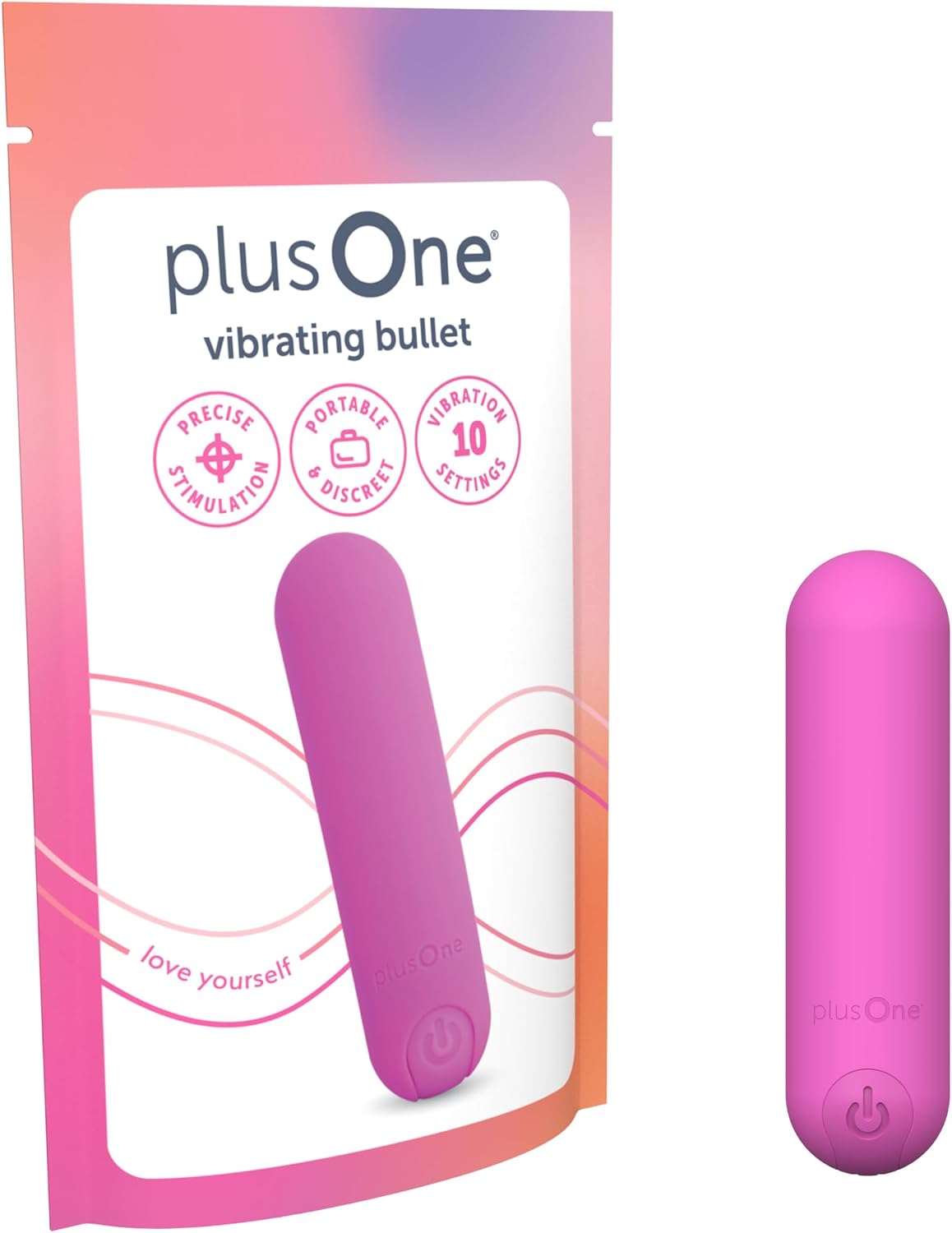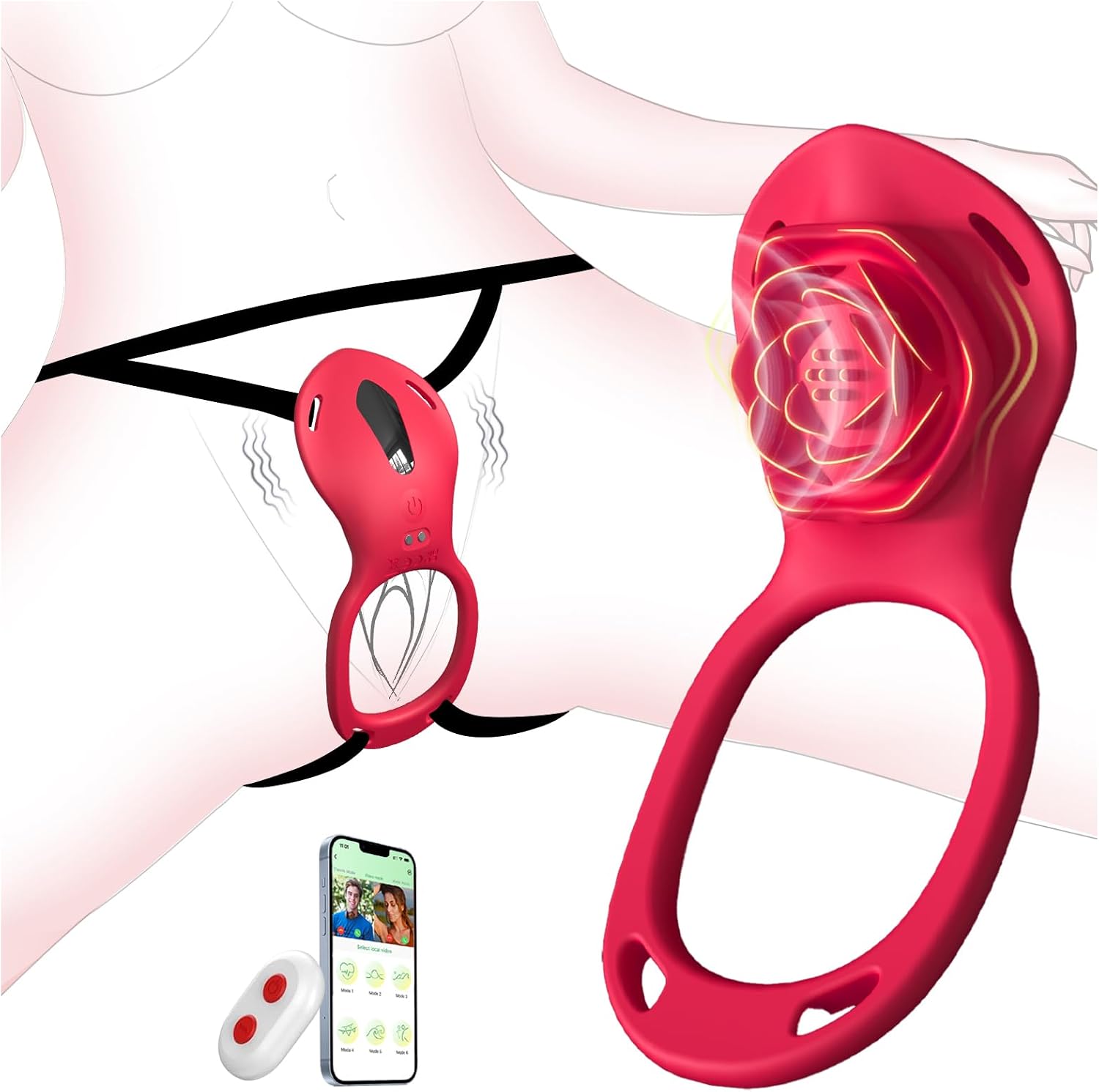
Choose the wearable format and fit first. Then distinguish nearby remote control from phone-based or internet features.
Wearable describes several different products
The wearable category can include insertable egg designs, external panty-style vibrators, and devices designed for partnered use. Start with the format that interests you instead of sorting every wearable by star score. Look at where the controls and retrieval features are located, how the device is intended to stay in place, and what the manufacturer says about fit.
Compare dimensions, weight, and adjustable parts before relying on words such as discreet or ergonomic. A photograph cannot establish how secure a device will feel for your body. Avoid assuming that a short promotional video represents everyone’s experience. Prefer listings that explain the design clearly and include a manual for the exact generation.
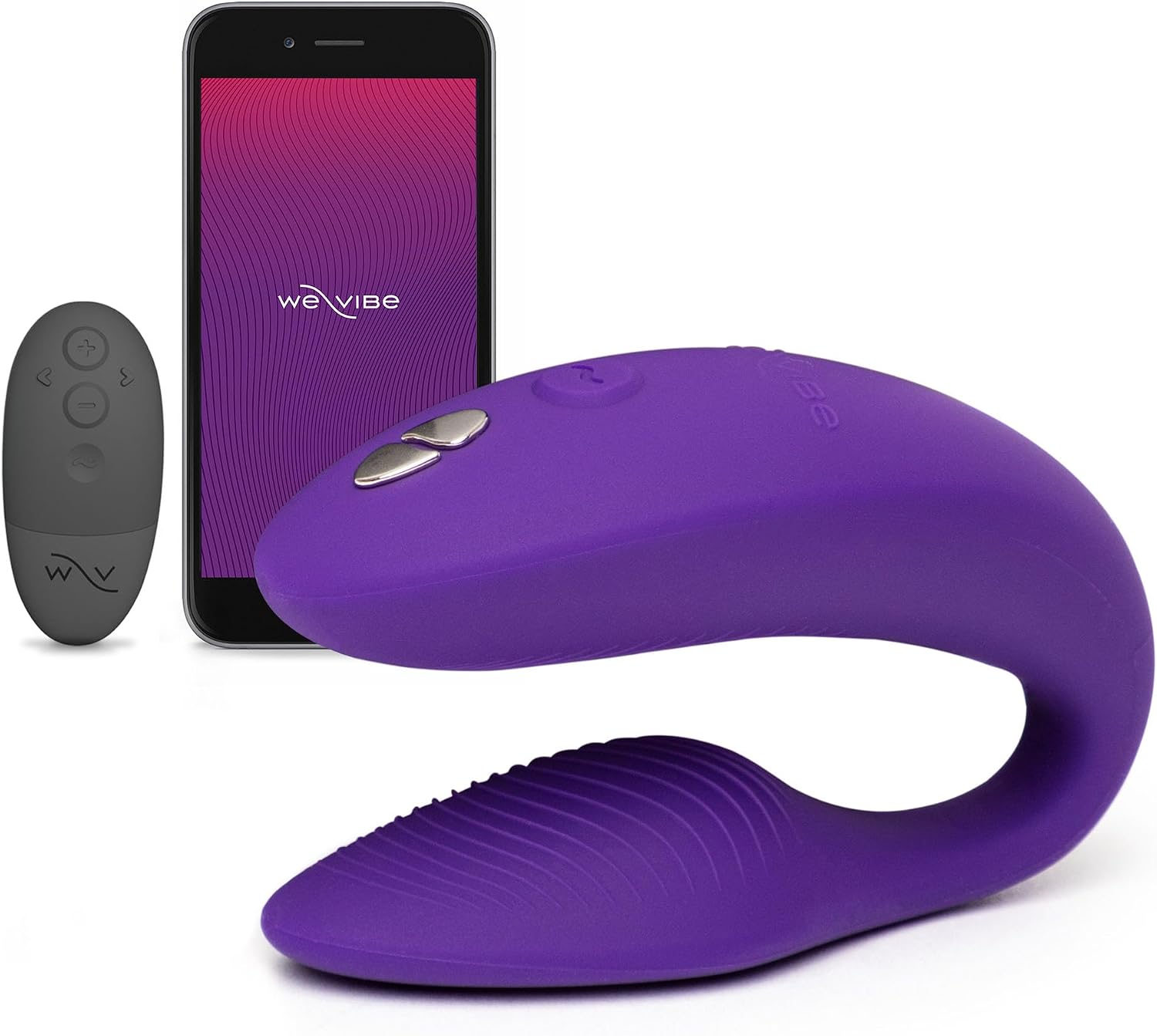
We-Vibe Sync 2
A wearable, adjustable design with both app and remote control.
Remote, app, and long-distance are separate features
A dedicated remote normally serves a different purpose from an internet-connected app. Check whether the product includes a remote, which functions it controls, and whether its power source is included. Read the stated connection limitations without interpreting a maximum range as a guarantee through walls, clothing, or other obstructions.
For a concrete example, We-Vibe’s Jive 2 page identifies on-device, remote, and app controls separately. Earlier Jive documentation explains that internet partner control still relies on a nearby phone’s Bluetooth connection to the toy. Confirm the current setup for the version you are buying; sharing a brand name does not ensure that different generations have identical features.
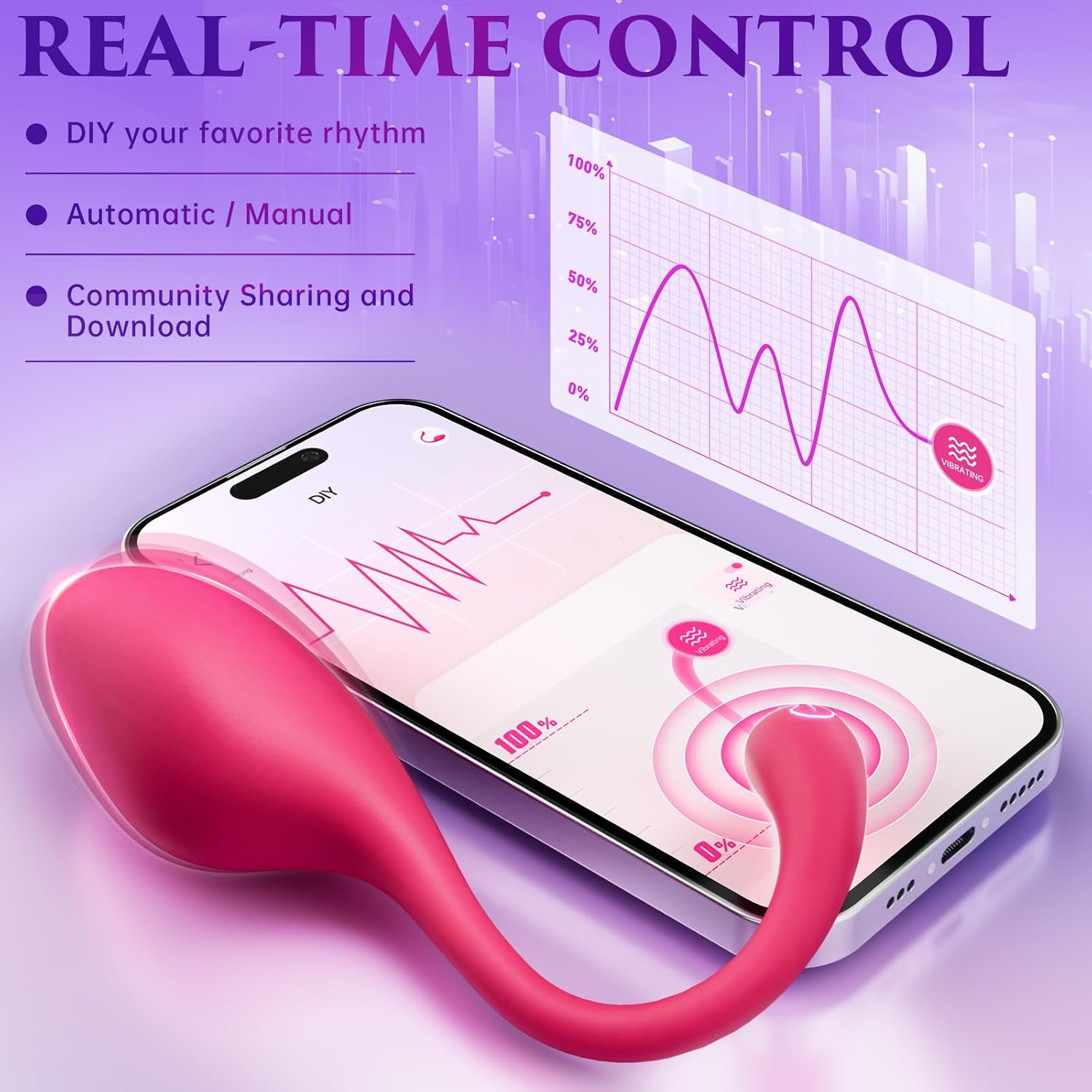
ECRVOM Wearable Vibrator
A wearable curved vibrator with nine settings and app controls.
Check the ordinary moments that make it usable
Find out how to stop the device without depending on a working internet connection. Review the physical controls and the manual’s removal instructions before purchase. If a product’s main selling point is handing control to a partner, both adults should still understand how to pause or stop. A remote invitation is specific permission that can be withdrawn at any time.
Include account and privacy requirements in your comparison. Does the app require registration? How can an invitation be revoked? Are basic controls available without creating a profile? These are practical ownership questions, especially if you prefer simple devices. Consult the current privacy policy and phone compatibility information instead of relying on a review written for an older app.
Finally, compare charging, cleaning, and storage for the toy and remote independently. A waterproof toy does not mean its remote is equally water resistant; Jive 2’s documentation, for example, distinguishes those components. Start with private use among consenting adults rather than involving unsuspecting people in a public setting. The best purchase is the format whose fit, controls, and care routine suit your needs, even if that means choosing a simpler non-connected device.
Before you add to cart
- Choose insertable, external, or partnered wearable format.
- Compare dimensions and documented fit adjustments.
- Separate remote, app, and internet-control requirements.
- Verify physical stop controls and component-specific care.
Sources & further reading
We-Vibe: Jive 2 specifications and controls ↗We-Vibe: Jive connection manual ↗We-Vibe: current product manuals ↗General buying information. Follow the product’s instructions and consult a qualified clinician for medical questions.